
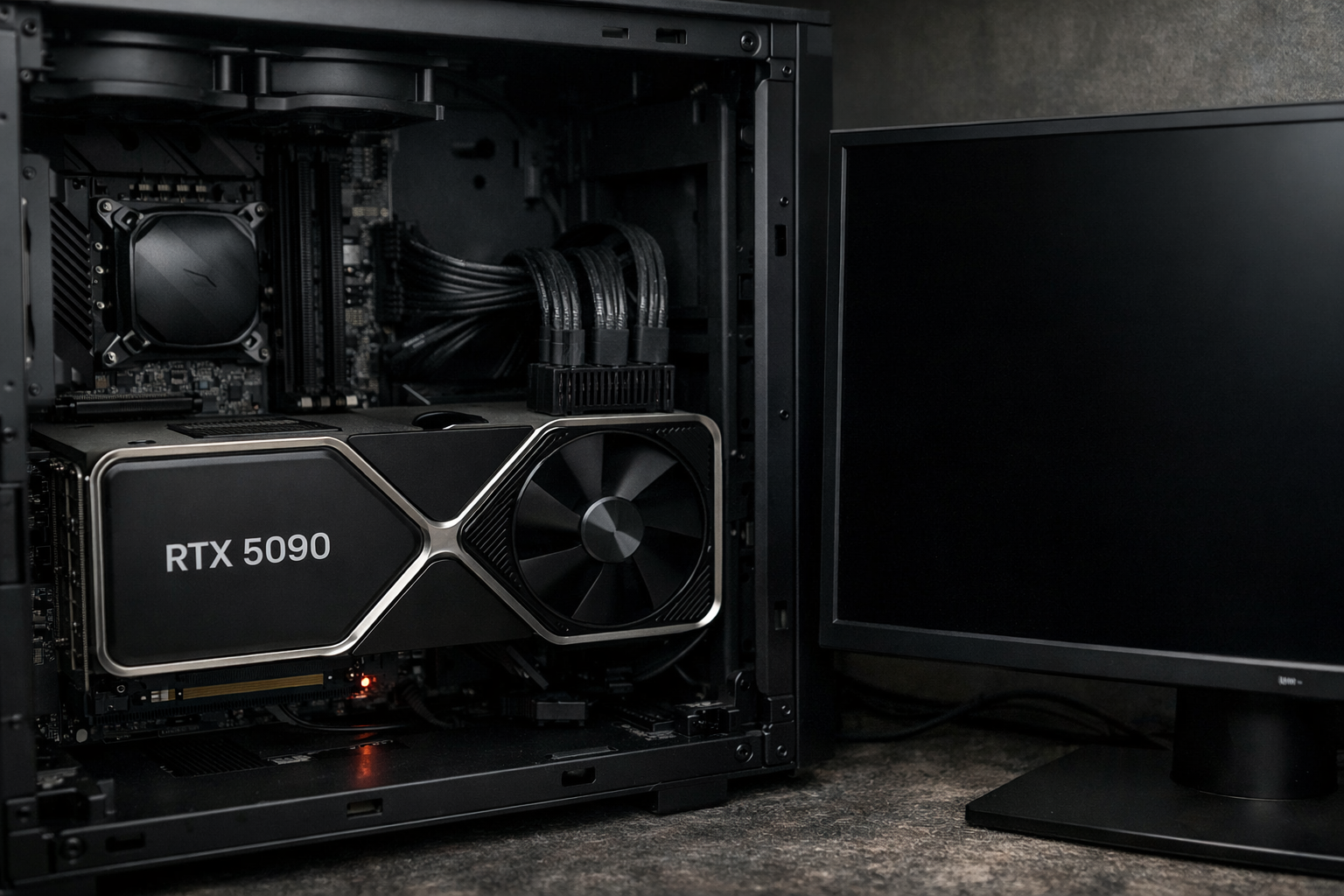

The short answer is yes—some RTX 5090 and RTX 5090D GPUs are reportedly getting bricked, and early evidence points to a mix of driver conflicts, BIOS issues, and PCIe compatibility problems rather than widespread hardware failure. While the number of confirmed cases is still limited compared to overall shipments, the situation has raised valid concerns among early adopters.
I’ve been following the reports closely, and what’s happening looks less like a single fatal flaw and more like a perfect storm of early-release software problems combined with certain system configurations. Let’s break it down in plain terms.
What Does “Bricked” Mean in This Case?
When users say their RTX 5090 is “bricked,” they usually mean one of three things:
The GPU is no longer detected by the system
The system fails to boot when the GPU is installed
The card powers on, but shows no display and cannot be recovered via standard flashing tools
In most reported cases, the GPU appears completely dead to the motherboard, even after CMOS resets or driver reinstalls. That’s what makes these incidents scary, especially considering the price of the RTX 5090 series.
When Did the Bricking Reports Start?
The first wave of complaints surfaced shortly after launch, mainly from enthusiasts who upgraded on day one. Forums like HardForum and tech news outlets began collecting similar reports around the same time.
What stood out immediately was that many affected users had:
Updated GPU drivers immediately after installation
Used newer PCIe 5.0 motherboards
Enabled advanced BIOS features like Resizable BAR, Fast Boot, or PCIe Gen5 forced modes
This pattern suggests the issue is triggered during initialization rather than normal gaming workloads.
Suspected Causes Behind RTX 5090 Bricking
Driver and BIOS Conflicts
One of the strongest theories involves early NVIDIA drivers interacting badly with the GPU’s firmware. Several users reported that their cards stopped working immediately after a driver update or reboot.
In some cases, the system froze during driver installation, followed by a complete failure to POST. That points to a firmware write or handshake issue between the driver and GPU BIOS.
This wouldn’t be the first time something like this happened. Similar problems occurred during early RTX 4090 releases, though far less frequently.
PCIe 5.0 Compatibility Problems
Another major suspect is PCIe signaling instability. Some motherboards appear to struggle when negotiating PCIe Gen5 speeds with the RTX 5090, especially if Gen5 is forced instead of set to “Auto.”
A few users reported that switching their BIOS to PCIe Gen4 allowed the system to boot again—though not always permanently. This suggests the GPU isn’t physically dead in every case, but stuck in a failed initialization state.
RTX 5090D-Specific Behavior
The RTX 5090D variant, designed for specific markets, appears slightly more affected based on reports so far. While the core hardware is similar, the firmware and driver behavior may differ enough to introduce instability under certain conditions.
That said, the issue is not exclusive to the 5090D.
Power and Firmware Synchronization
High power draw combined with firmware updates can be risky. If a system loses stability during a firmware handshake—even for a second—it can corrupt the GPU’s internal controller state.
Once that happens, standard recovery tools often can’t communicate with the card at all.
How Common Is This Issue?
Despite the noise online, it’s important to keep perspective. The number of bricked cards appears to be a small fraction of total RTX 5090 units sold. Thousands of users are running these GPUs without problems.
That said, the risk is real enough that NVIDIA is reportedly investigating internally, and motherboard vendors have started pushing BIOS updates aimed at improving compatibility.
Early adopters are always the first to hit these edge cases.
Can a Bricked RTX 5090 Be Fixed?
It depends on the severity.
In mild cases, users have recovered their GPUs by:
- Installing the card in a different system
- Downgrading motherboard BIOS versions
- Forcing PCIe Gen4 instead of Gen5
- Using dual-BIOS features where available
In harder cases, the card is completely unresponsive. At that point, an RMA is the only realistic solution. Software fixes won’t help if the GPU cannot initialize at all.
How to Reduce the Risk If You Own One
If you already have an RTX 5090 or plan to install one soon, here’s what I’d personally recommend:
- Update your motherboard BIOS before installing the GPU
- Set PCIe mode to Auto or Gen4 initially
- Avoid installing beta or early GPU drivers
- Disable Fast Boot and aggressive overclocking features
- Don’t interrupt driver installation or reboot mid-update
These steps won’t guarantee safety, but they significantly lower the risk based on patterns seen so far.
NVIDIA’s Response So Far
As of now, NVIDIA hasn’t issued a formal recall or public warning, which suggests they believe the issue is manageable through software updates. Driver patches and motherboard BIOS updates are already addressing some stability problems.
Historically, NVIDIA has been good at resolving launch-window issues once enough data comes in.
Final Thoughts
The RTX 5090 and RTX 5090D bricked issues are real, but they don’t appear to be a widespread hardware defect. What we’re seeing looks more like early-generation growing pains tied to drivers, firmware, and PCIe 5.0 complexity.
If you’re cautious with updates and system settings, the chances of running into trouble are low. Still, for a flagship GPU at this price, even a small failure rate feels unacceptable—and that’s why the community is watching closely.
If you found this article informative, feel free to check out our other articles as well.